Identify Page-One Opportunities with the Striking Distance Queries Content View
- Support Center
- Opportunities
Identify Page-One Opportunities with the Striking Distance Queries Content View
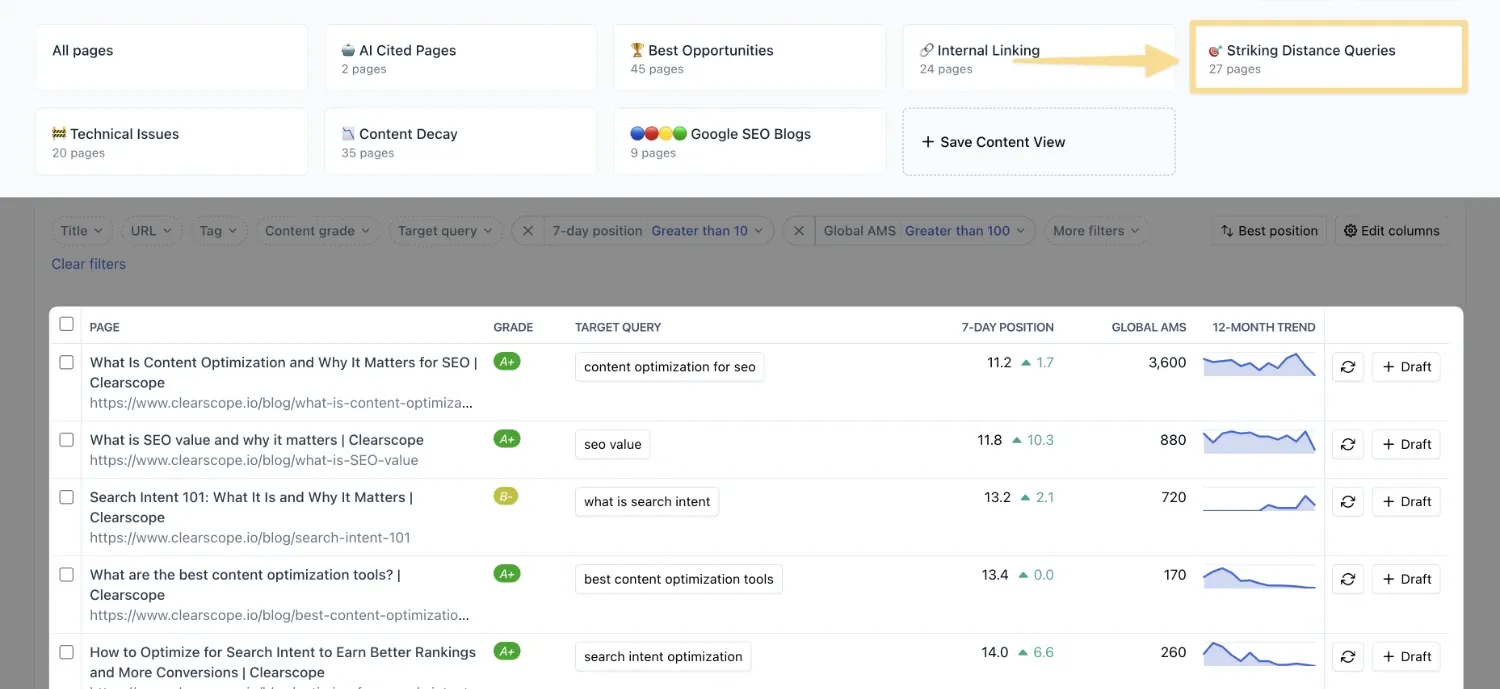
The Striking Distance Queries Content View highlights which of your published pages are ranking just outside the first search engine results page (SERP). By surfacing URLs in position 10 or greater, it shows you content that’s already close to page one and could move up with a few optimizations. This makes Striking Distance a powerful tool for prioritizing refreshes and quick wins.
Why Striking Distance Matters
Pages ranking just outside page one are often overlooked, yet they represent some of the highest‑ROI opportunities in your content inventory. By focusing on these near‑wins, you can capture more impressions and clicks with minimal effort, strengthen topical authority by expanding coverage around high‑volume queries, and drive measurable SEO gains without starting from scratch.
The Striking Distance Queries Content View is your launchpad for quick, impactful optimization. By showing which pages are already close to page one, it helps you focus efforts where they’ll deliver the most immediate results.
How To Access Striking Distance Queries
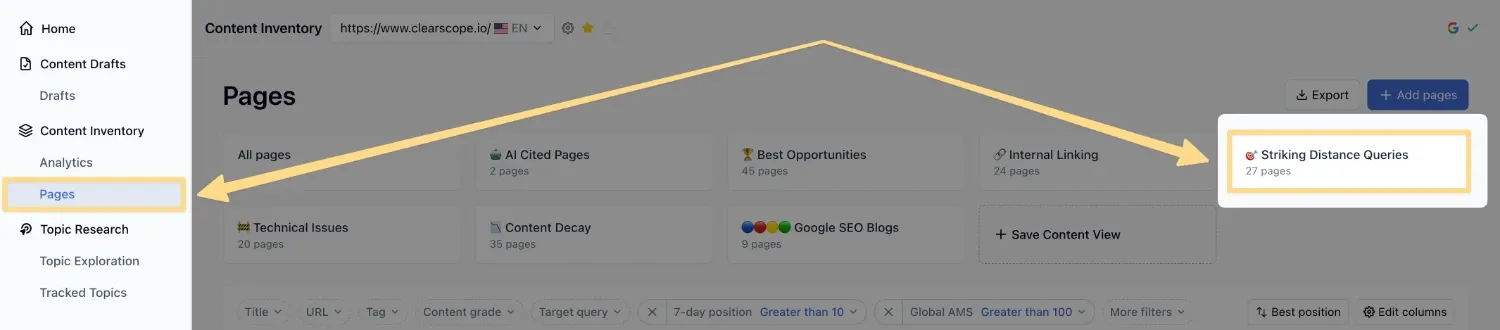
From the Pages tab in your Content Inventory, select Striking Distance Queries from the starter views at the top of the page. Upon accessing this view, you’ll see a filtered list of your potential Striking Distance opportunities.
How to Leverage the Striking Distance Queries View
To use the view effectively, begin by scanning for pages that consistently appear in positions 10–20. These are strong candidates for optimization, since they’re already visible and require only incremental improvements to break into page one. Refreshing outdated sections, expanding topical coverage, or improving alignment with tracked topics can help these pages cross the threshold.
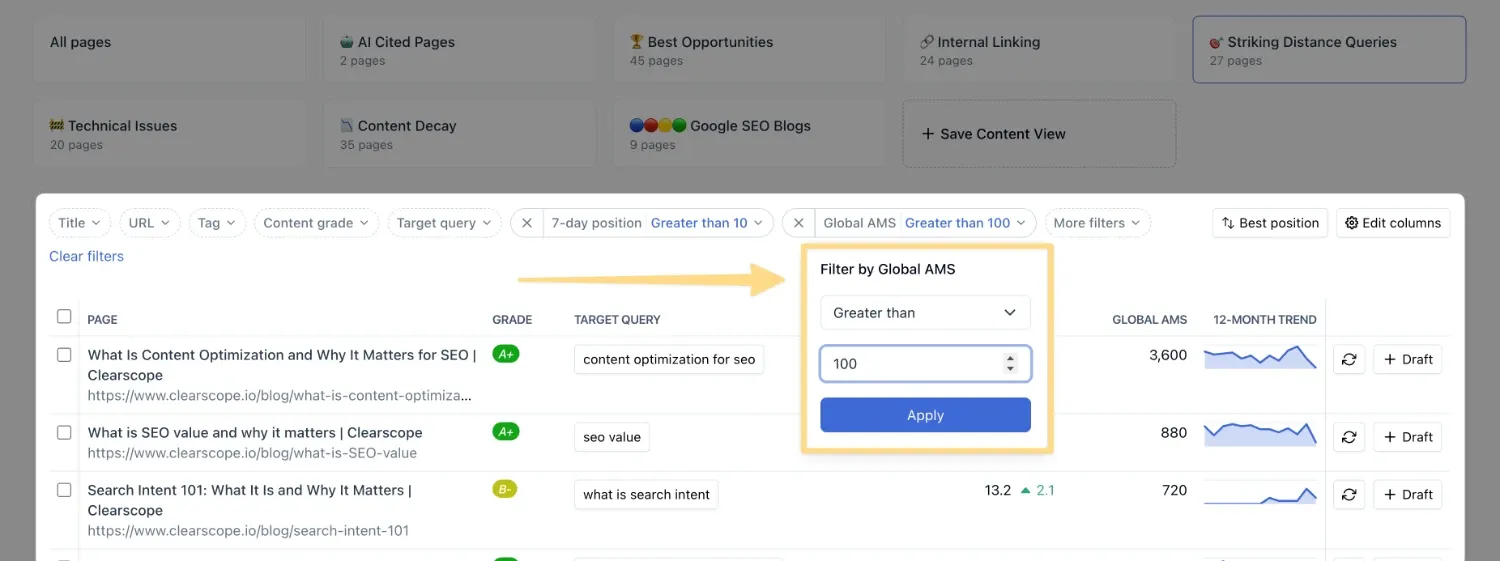
By default, the page’s associated Target Query must have at least 100 monthly searches to appear, though you can adjust the threshold if you prefer to focus on lower or higher‑volume opportunities. This data helps you understand not only which pages are close to page one, but also which queries carry the most potential traffic.
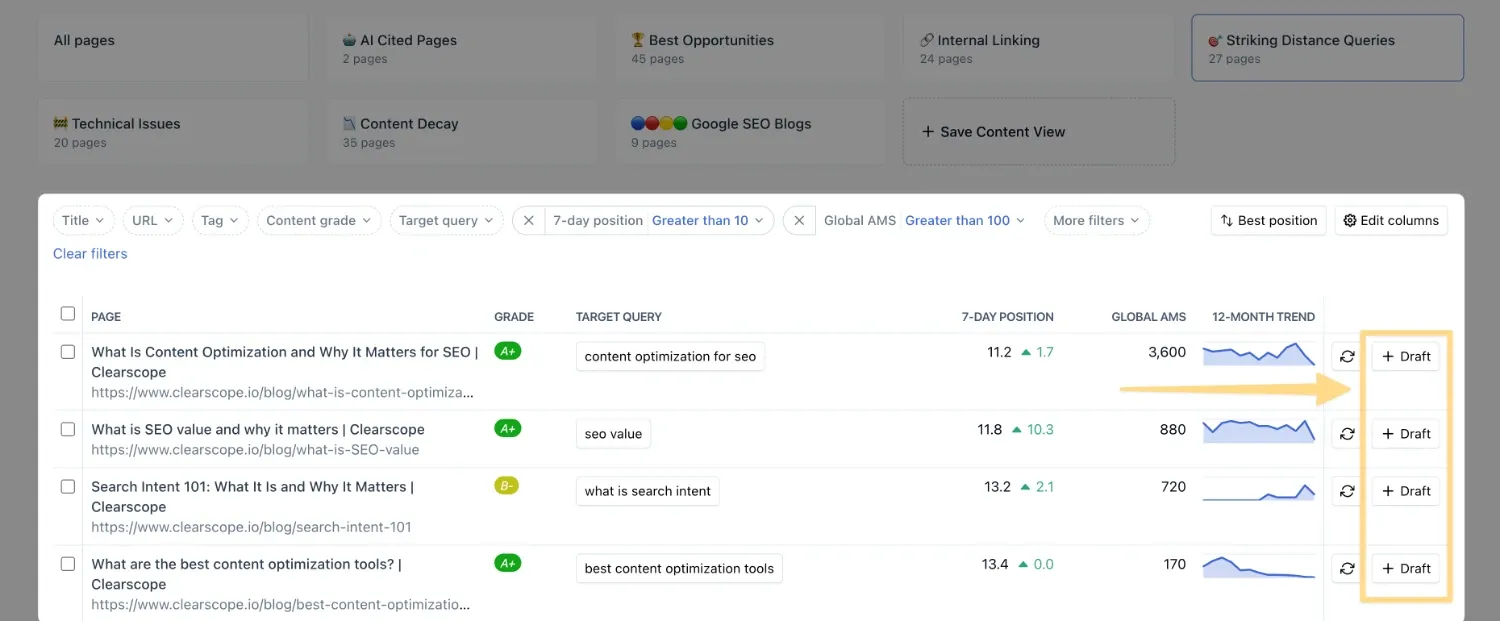
When you identify a piece that requires refreshing from the Striking Distance screen, you can generate a Clearscope Draft directly by clicking on the “+ Draft” button next to the monitored URL. This ensures you’re using your Draft credits strategically, focusing on content most likely to deliver quick ranking gains.
Understanding Striking Distance Queries
The Striking Distance Queries Content View is meant to give you an understanding of which monitored pieces in your Content Inventory currently sit on page two or below and receive greater than 100 Average Monthly Searches.
Striking Distance Queries will surface the following details for each monitored page:
The current Content Grade
Your page’s Target Query
7-Day position for the page
Global Average Monthly Searches
12 Month Trend