Optimize Your Site with the Internal Linking Content View
- Support Center
- Content Inventory
Optimize Your Site with the Internal Linking Content View
If you’ve started using Content Views, you know they’re a handy way to bring order to your Content Inventory. The Internal Linking Content View takes that organization a step further by showing you exactly where new connections can be made. Think of it as a guide that answers: “Which pages should I link together to improve my site’s structure?” and provides practical recommendations that save time while strengthening your overall content strategy.
Understanding the Internal Linking Content View
The Internal Linking Content View is designed to help you strengthen your site’s SEO by uncovering opportunities to connect related pages within your content inventory. Instead of manually auditing your library, this view surfaces recommendations for new internal links and anchor text, saving you time while ensuring your content works together to improve visibility and user experience.
Accessing Your Internal Linking View
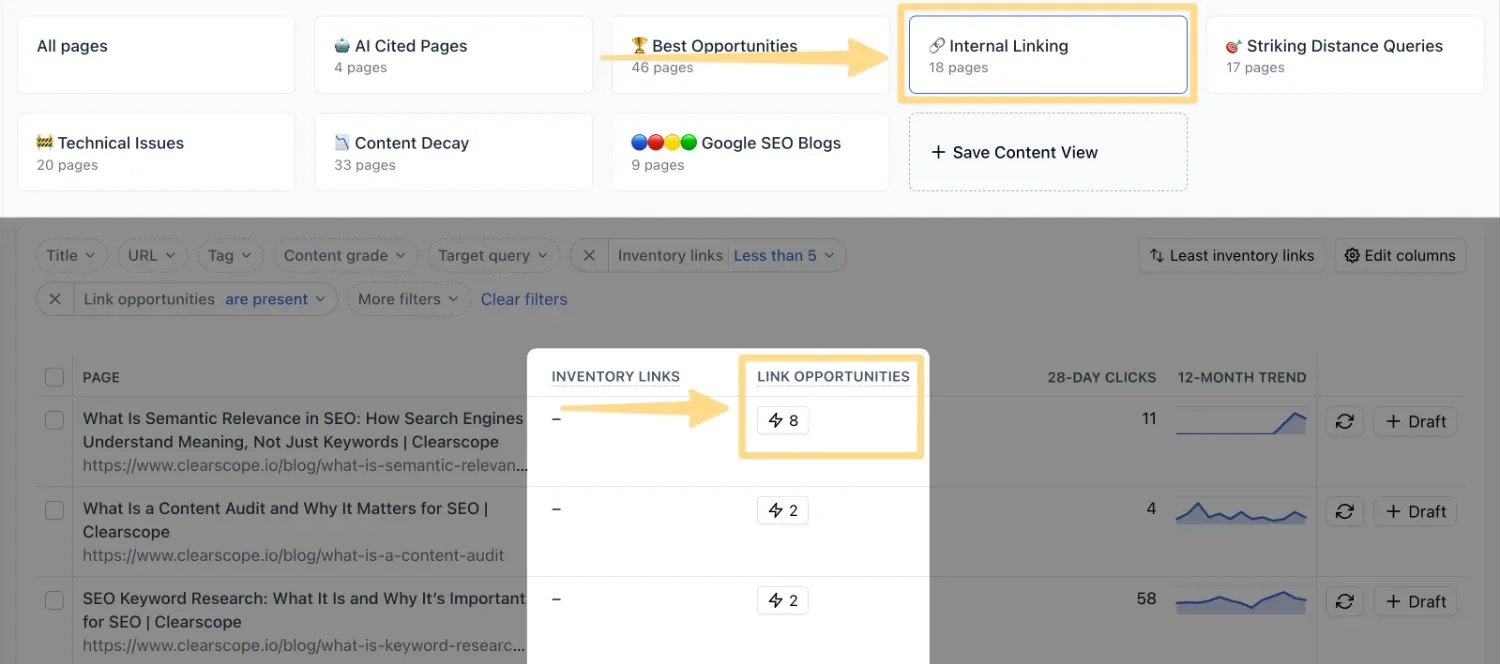
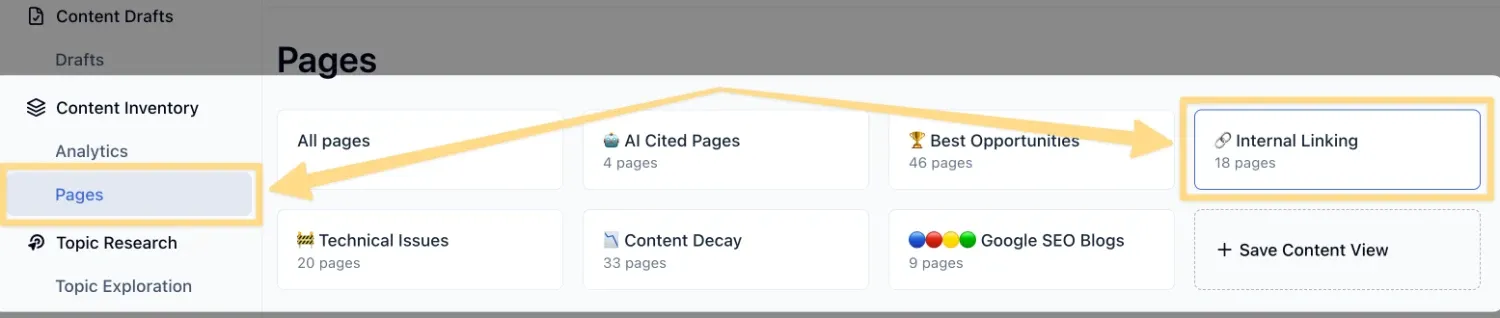
From your Content Inventory, select the Pages tab and select Internal Linking from your available views at the top of the page. When you select the Internal Linking view, the button at the top displays the total number of pages included. The metrics below will automatically adjust based on the saved filtering options, giving you a dynamic snapshot of your internal linking opportunities.
Clearscope analyzes all of your imported pages, identifies the top three queries for each article based on impressions and clicks, scans your imported pages to see where these ranking queries appear in other pages, and then provides recommendations for links that connect them. This makes it easy to see where your content could be better interlinked to support both SEO and user navigation.
How to Leverage the Internal Linking View
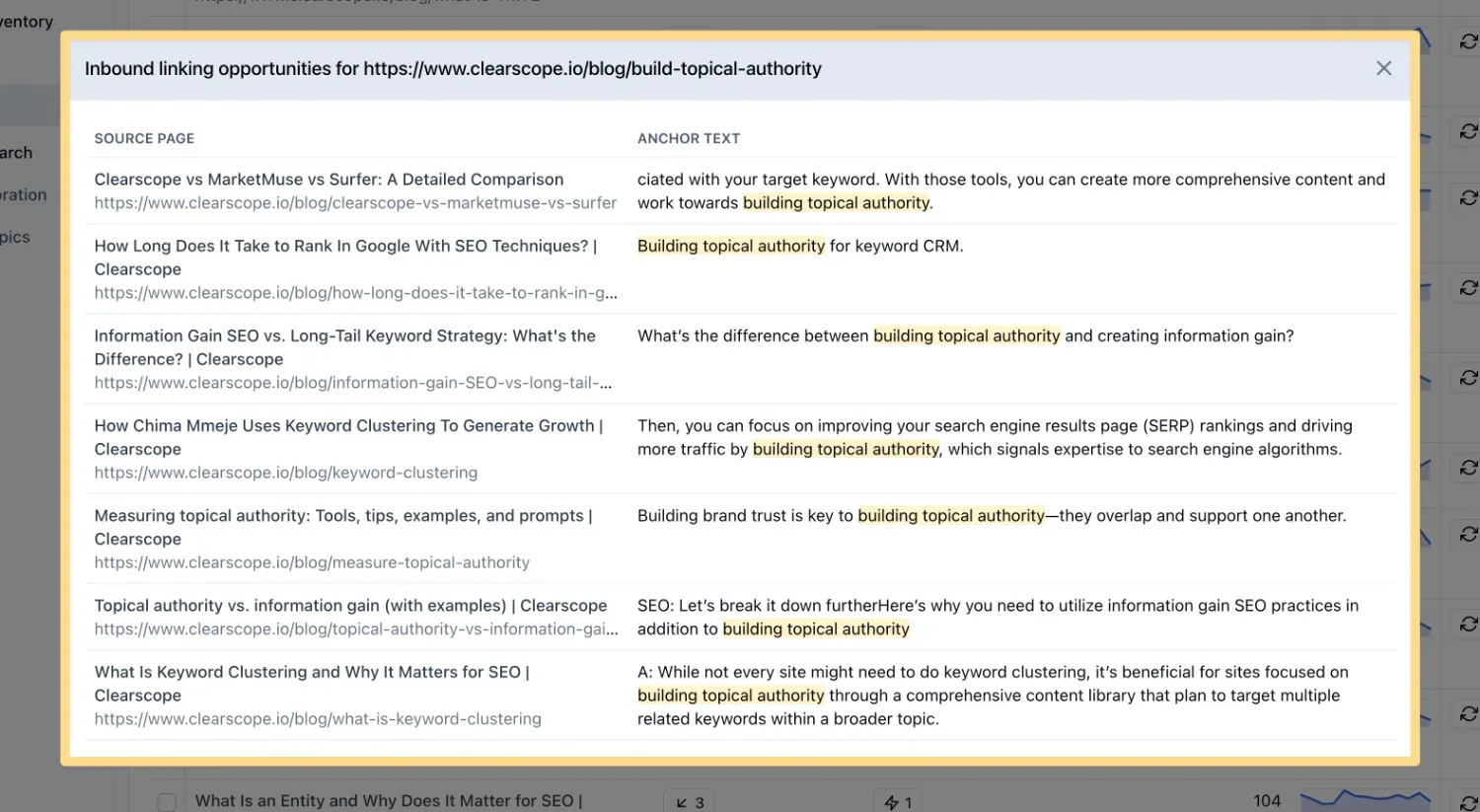
Within the Internal Linking view, you’ll find a column that shows how many internal links already exist between related pages. Next to it, the lightning bolt icon opens a list of recommendations for new links.
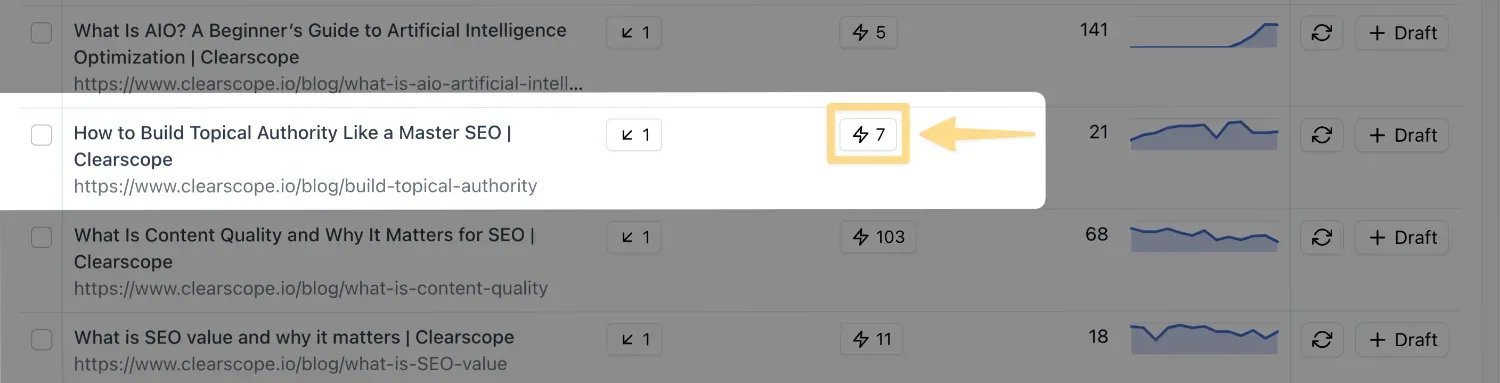
These suggestions include specific pages to connect as well as anchor text ideas, helping you implement links that are both SEO‑friendly and user‑friendly. By following these recommendations, you can quickly build a stronger internal linking strategy without the need for a manual audit.
Internal linking is a cornerstone of effective SEO and AEO. It helps search engines and AI platforms understand your site’s structure, distributes authority across your content library, and improves navigation for your readers.
By using the Internal Linking Content View, you can ensure that your content ecosystem is interconnected, making it easier for users and search algorithms to discover and engage with your work.